

Table of Contents
You spent weeks polishing a brand-new layout, publishing content, and sharing links online. Then you check Google search. Crickets. Zero organic traffic, or maybe your pages vanished from search results overnight without warning.
If you keep asking yourself, “why my website is not ranking on google,“ don’t panic.
Google relies on hundreds of complex signals before giving out top positions. A single hidden setting, a broken script, or targeting the wrong search intent can hold your entire site back. Honest truth? Most site owners run into these exact same roadblocks.
Here are 15 common reasons site is not ranking in google and how to fix them step by step.

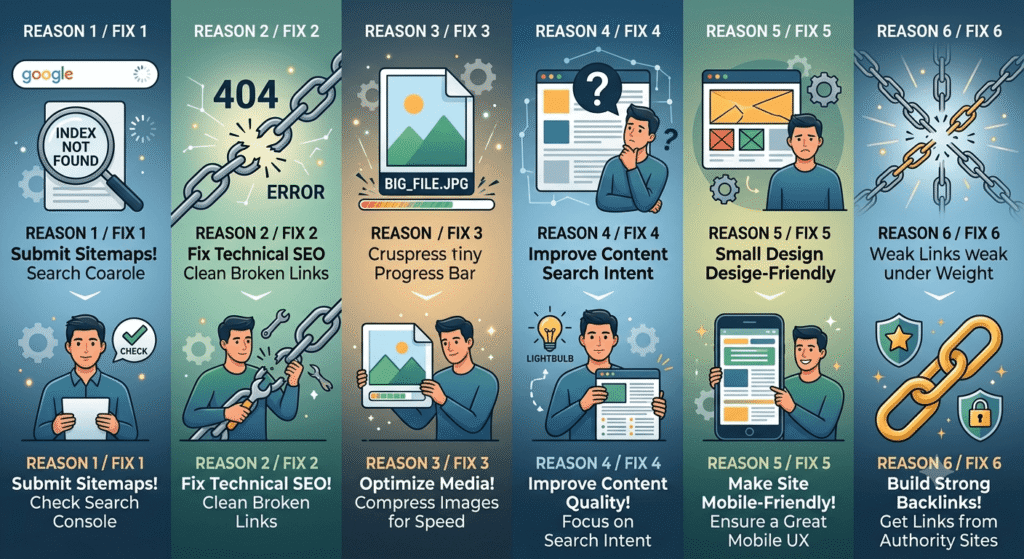
1. Google Crawling and Indexing Issues
If Google hasn’t indexed your page, it doesn’t exist to searchers. Simple as that. I see client sites all the time with fantastic articles stuck out of sight simply because of a bad setting.
- The reality: Your page is blocked by code, or Google’s crawler hasn’t discovered it yet.
- The fix: Paste your exact URL into the top search bar in Google Search Console. If it says page not indexed by google, click “Request Indexing.” While you’re in there, inspect your
robots.txtfile—make sure you aren’t accidentally telling search bots to stay away from your core pages. Fix these google crawling and indexing issues first before changing your content.
2. Search Intent Mismatch
Google ranks pages that deliver what people actually want to see. If someone searches for a quick calculator tool, but you give them a 3,000-word essay, you won’t rank.
Search your target topic right now. Look at the top three listings. Are they step-by-step guides, service landing pages, or product pages? Structure your layout to match what searchers expect.
3. Slow Page Load Speed
Nobody waits for a slow site to load anymore. They hit the back button within two seconds. That quick exit tells Google your page isn’t satisfying users.
- The reality: Massive uncompressed images, heavy scripts, or cheap web hosting are killing your speeds.
- The fix: Test your site on Google PageSpeed Insights. Compress every image, enable browser caching, and strip out unnecessary plugins to tackle slow page load speed seo errors.
4. Unresolved Technical SEO Bottlenecks
Underneath the hood, hidden structural errors create major website ranking issues that stall your progress.
- The reality: Broken links, missing sitemaps, redirect loops, or mixed HTTP/HTTPS content.
- The fix: Run a full technical crawl with Screaming Frog or Ahrefs. Patch all 404 errors, fix your redirects, and upload a fresh XML sitemap directly into Search Console. Clearing out these technical seo issues holding back rankings gives your pages a clean slate.
5. Recent Algorithm Updates or Penalties
Google updates its search algorithms constantly. Sudden traffic drops across multiple pages often trace back to a broader site-wide update or quality filter.
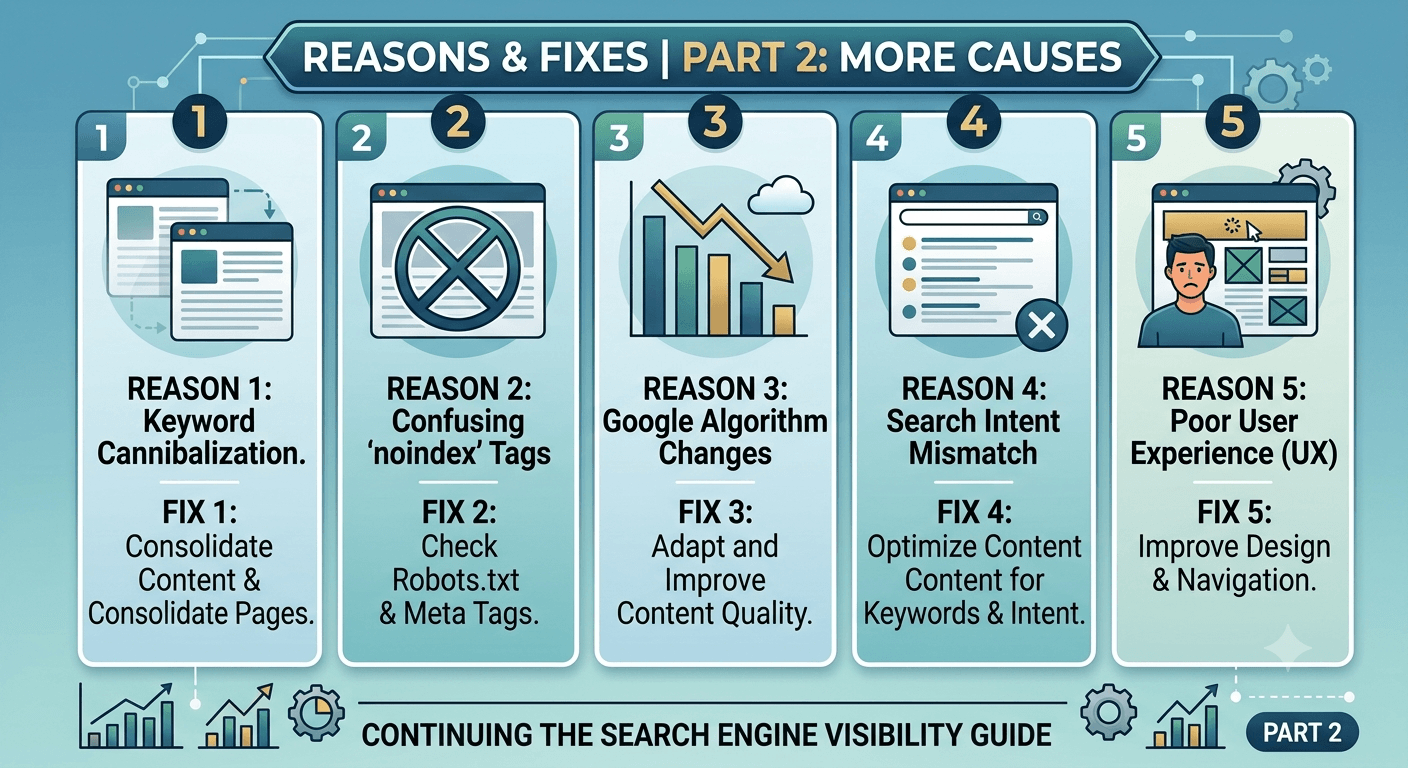
Check your Search Console account under the “Security & Manual Actions” tab. If that section is clean, match your analytics drop dates against known Google algorithm releases to pinpoint potential google ranking drop causes.
6. Lack of High-Quality Backlinks
Think of links as votes of confidence. If your top competitors have hundreds of links from respected industry sites while you have zero, ranking on competitive search terms will be an uphill battle.
Focus on building links naturally. Create original data studies, publish local guides, or connect with industry partners for contextual mentions and directory listings.
7. Thin or Low-Quality Content
Short, vague posts rarely pull in steady search traffic. Google favors deep, helpful answers written by people with real hands-on experience.
Audit your weakest pages. Add step-by-step instructions, practical examples, high-res images, and answers to common follow-up questions to turn brief outlines into comprehensive resources.
8. Poor Mobile Experience
Over half of all web traffic comes from phones. Because Google uses mobile-first indexing, it grades your site based on how it runs on a mobile screen—not your desktop computer.
Quick test: Open your site on your phone. Are buttons hard to tap? Do pop-ups block the screen? Does text require zooming? Fix those layout quirks immediately.
9. Keyword Cannibalization
If you write five different articles targeting the exact same topic, your own pages will fight each other for rankings.
Google gets confused about which page is the main authority. Audit your content, pick your strongest page for that topic, and merge the weaker articles into it. Use 301 redirects to pass authority to the surviving master page.
10. Broken Internal Links & Orphan Pages
If a page lives on your site without a single internal link pointing to it, search engines struggle to find it.
Add contextual internal links from your high-traffic posts over to your newer pages or key service offerings. Use descriptive, natural anchor text so search bots understand how your content connects.
11. Forgotten Noindex Tags
It sounds basic, but web developers leave site settings set to “noindex” during redesigns all the time—and then forget to flip the switch back on at launch.
Inspect your page source code (Ctrl + U or Cmd + Option + U) and search for the word noindex. If you find a tag like <meta name="robots" content="noindex">, delete it right away.
12. Duplicate Content Issues
Publishing identical text across multiple URLs dilutes your site’s authority and confuses search bots.
If you run an e-commerce store with similar product variations, add self-referencing canonical tags (rel="canonical") to point Google to your primary master page.
13. High Bounce Rates from Bad UX
If searchers click your link and instantly jump back to search results, Google notes that your page failed to deliver value.
Clean up busy sidebars, drop intrusive pop-ups, break up wall-of-text paragraphs, and place clear headings so readers find answers fast.
14. Your Domain Is Too New
Expecting instant page-one rankings for a brand-new domain within two weeks isn’t realistic. Google takes time to trust new domains.
Target long-tail, low-competition search phrases during your first 3 to 6 months while steadily building out topic depth across your niche.
15. Heavy Competitor Dominance
Sometimes your content is solid, but your competitors have spent five years building authority, backlink profiles, and audience trust.
Instead of fighting head-to-head on broad broad keywords, narrow your focus. Target hyper-specific subtopics or local queries where established sites leave gaps.
Want Us to Fix Your Search Rankings?
Figuring out how to fix website not ranking on google gets overwhelming fast when you’re dealing with technical bugs, algorithm shifts, and index issues all at once.
If your organic traffic is stuck or declining, let our team step in. We’ll run a complete technical audit to uncover hidden blockers and set up a straightforward action plan to get your traffic moving again.
[Request a Free Technical Audit] [Talk with an SEO Specialist]
Frequently Asked Questions
Why is my page not indexed by Google?
Pages stay unindexed if Google hasn’t crawled them yet, if your robots.txt file blocks search bots, or if your code contains a noindex tag. Google also skips pages it considers thin, duplicate, or unhelpful.
How long does it take to rank on Google?
New domains generally take 3 to 6 months of steady work to build visibility. If you’re fixing existing pages on an established site, indexing updates and ranking adjustments can happen within days or weeks.
What causes sudden drops in Google rankings?
Sudden traffic drops usually come down to core algorithm updates, accidental code changes, tracking tag failures, broken redirects, or security penalties listed in Google Search Console.
How do I check if my website has technical SEO errors?
Keep an eye on the Coverage and Inspection tools inside Google Search Console, or run regular site crawls using tools like PageSpeed Insights or Screaming Frog to catch technical errors early.
